PurchaseSort
See exactly how much you've spent on Amazon. Import your data export and get spending charts, trends, and insights across your entire order history.
Free · iOS App
See exactly how much you've spent on Amazon. Import your data export and get spending charts, trends, and insights across your entire order history.
Amazon keeps years of order history, but there's no easy way to explore it. How much did you spend last year? What did you love enough to buy twice? Which month is your biggest shopping month?
PurchaseSort changes that. Import your Amazon data export and explore yearly spending charts, monthly breakdowns, your most expensive purchases, most reordered items, and more. It takes a few minutes to set up and everything runs on your iPhone.
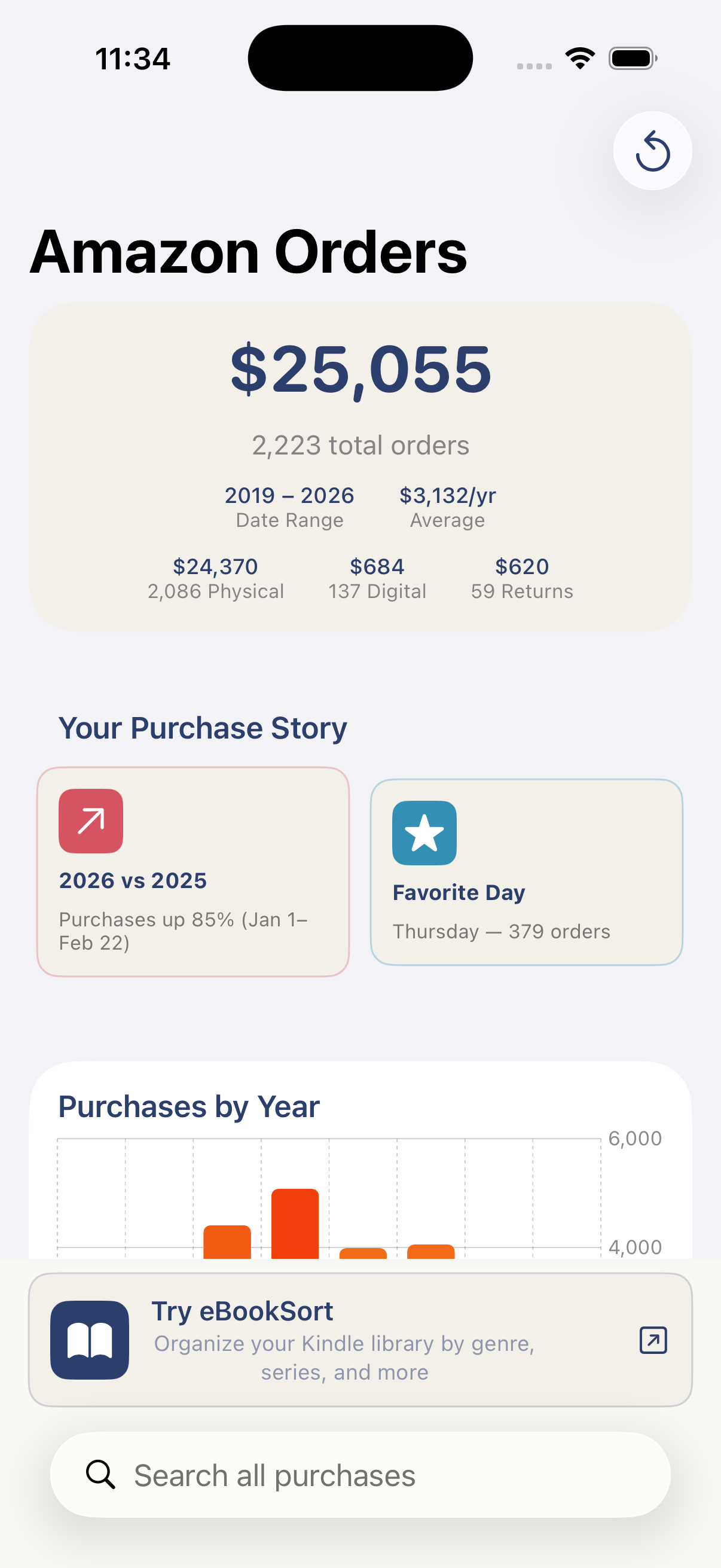
Bar charts showing your total Amazon spending by year. Tap any year to drill down into monthly and daily breakdowns.
Search across all your purchases instantly. Find that thing you bought three years ago and see exactly what you paid.
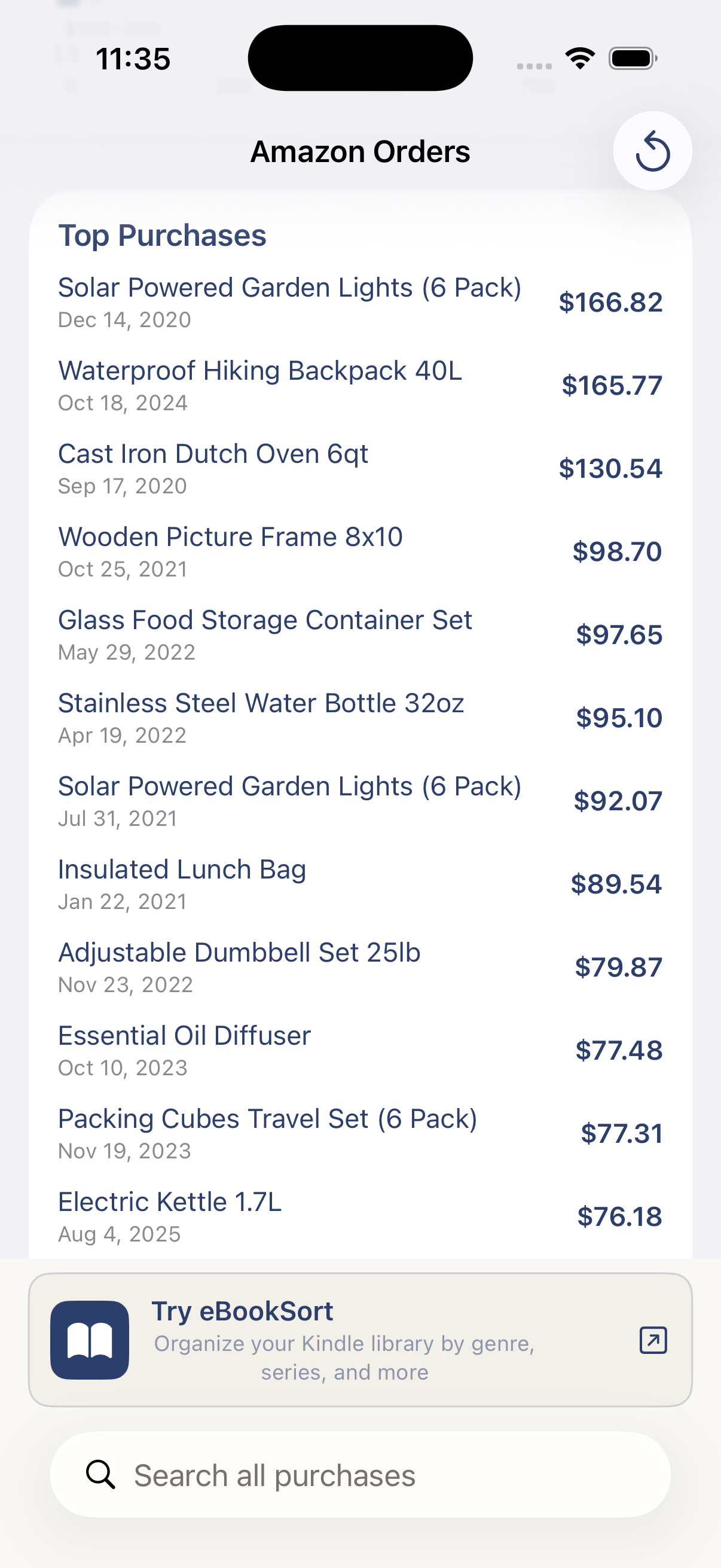
See your biggest single purchases and most frequently reordered items. Some of the answers might surprise you.
Discover which days of the week you spend the most. Spending habit or smart shopping? You decide.
See all your returns in one place with reasons and refund amounts. Know how much you've actually gotten back.
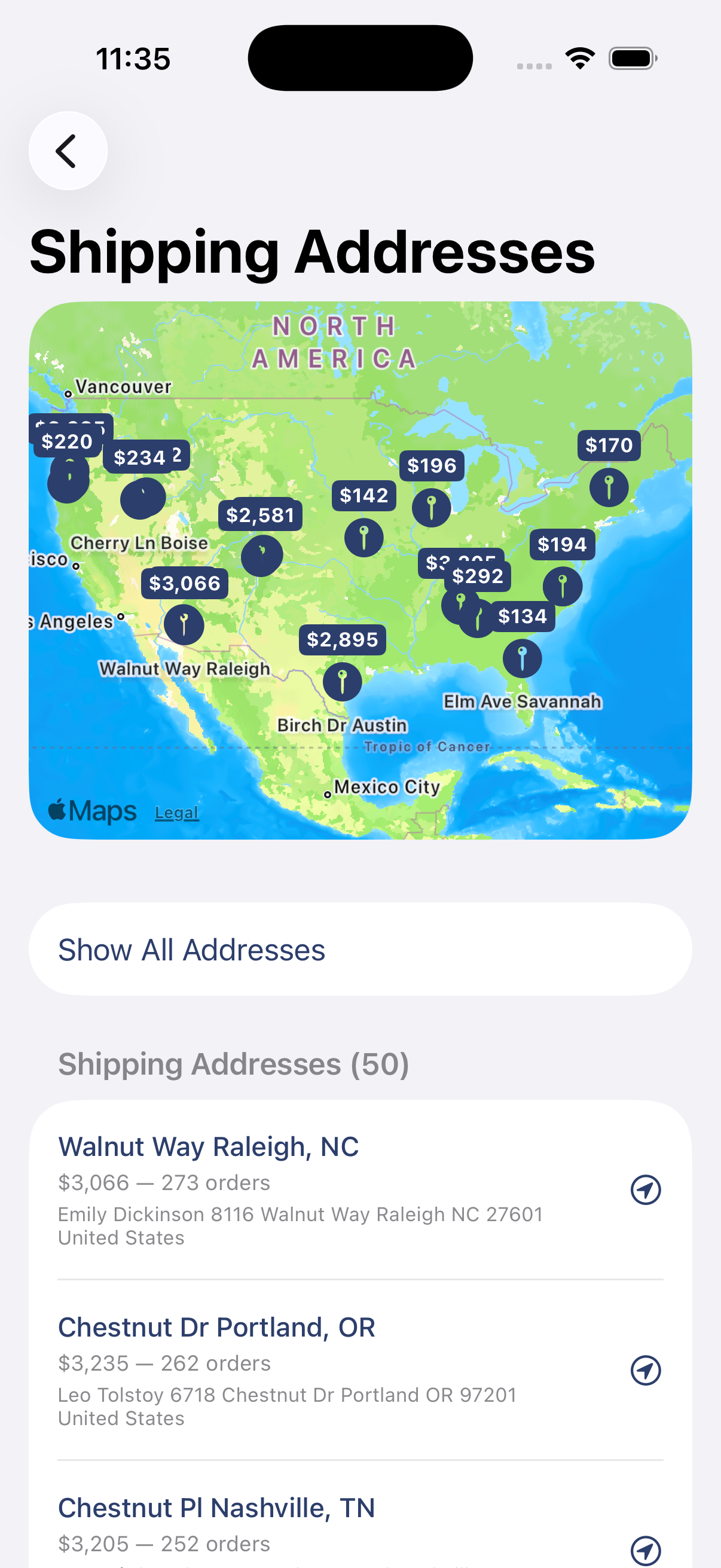
Your data never leaves your iPhone. No accounts, no tracking, no servers, no network calls. Period.
Explore yearly spending trends, drill into monthly breakdowns, and discover your top purchases and reorder habits.
PurchaseSort needs a data file from Amazon — the same one you'd download if you wanted a copy of your own order history. Here's how to get it.
Sign in to Amazon, then go to this page:
amazon.com/hz/privacy-central/data-requests/preview.html
Scroll down to Your Orders and click Submit Request.

Check your email and tap Confirm Data Request.
In one or two days you will get an email with an attachment called YourOrders.zip. (If there's also a .csv file, you can ignore it.)
Open the email on your iPhone and tap the zip file icon.
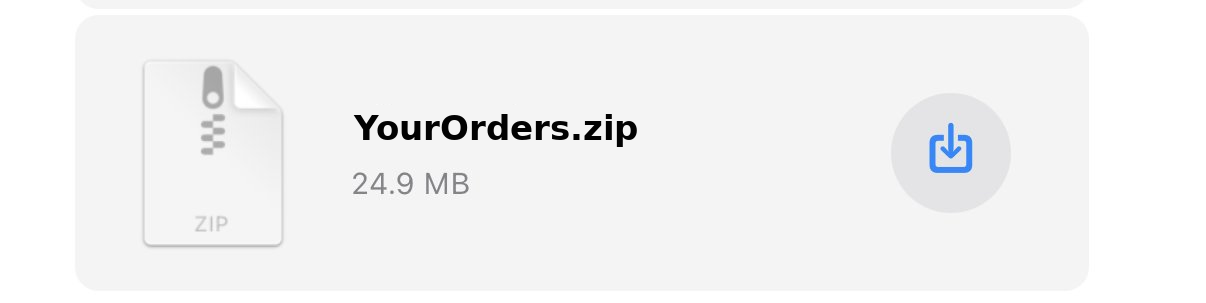
A preview will appear.
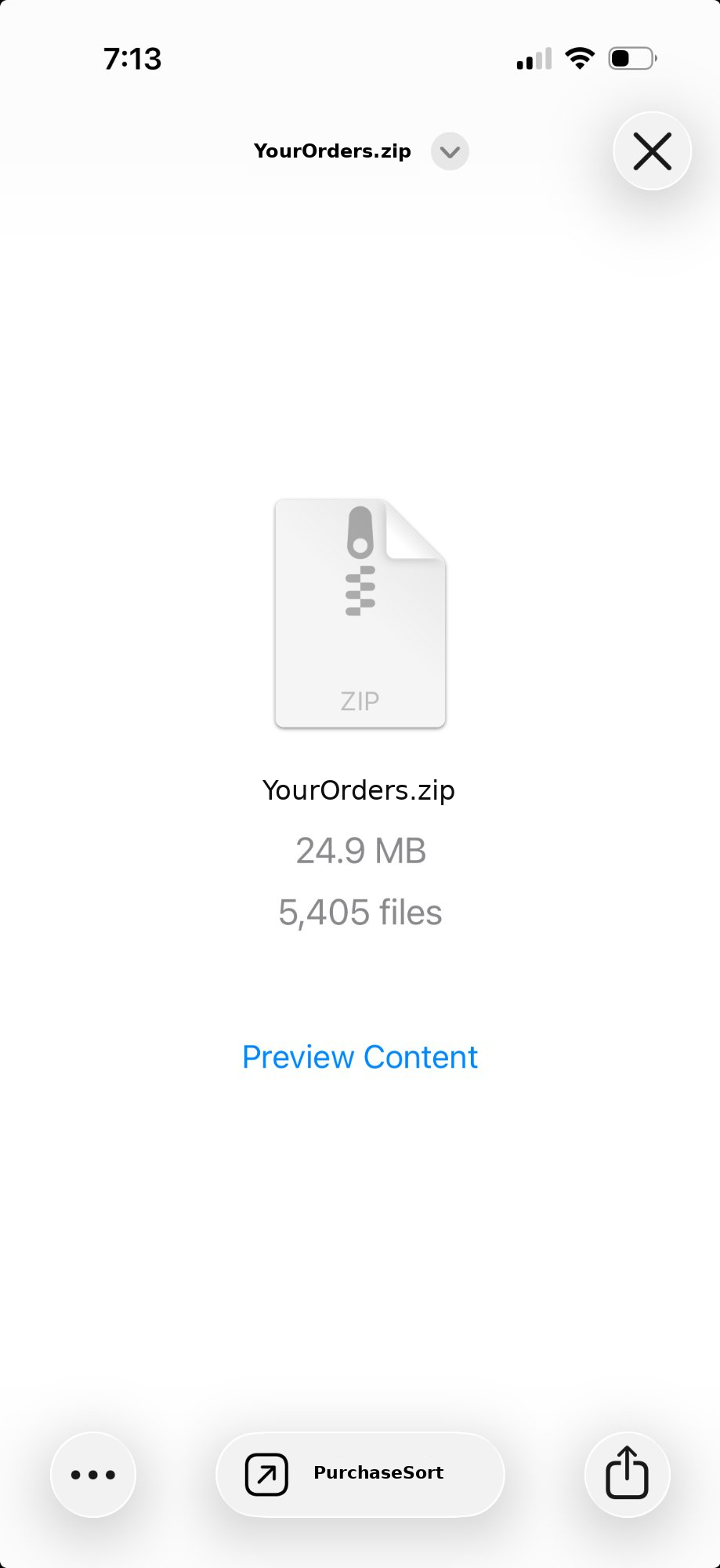
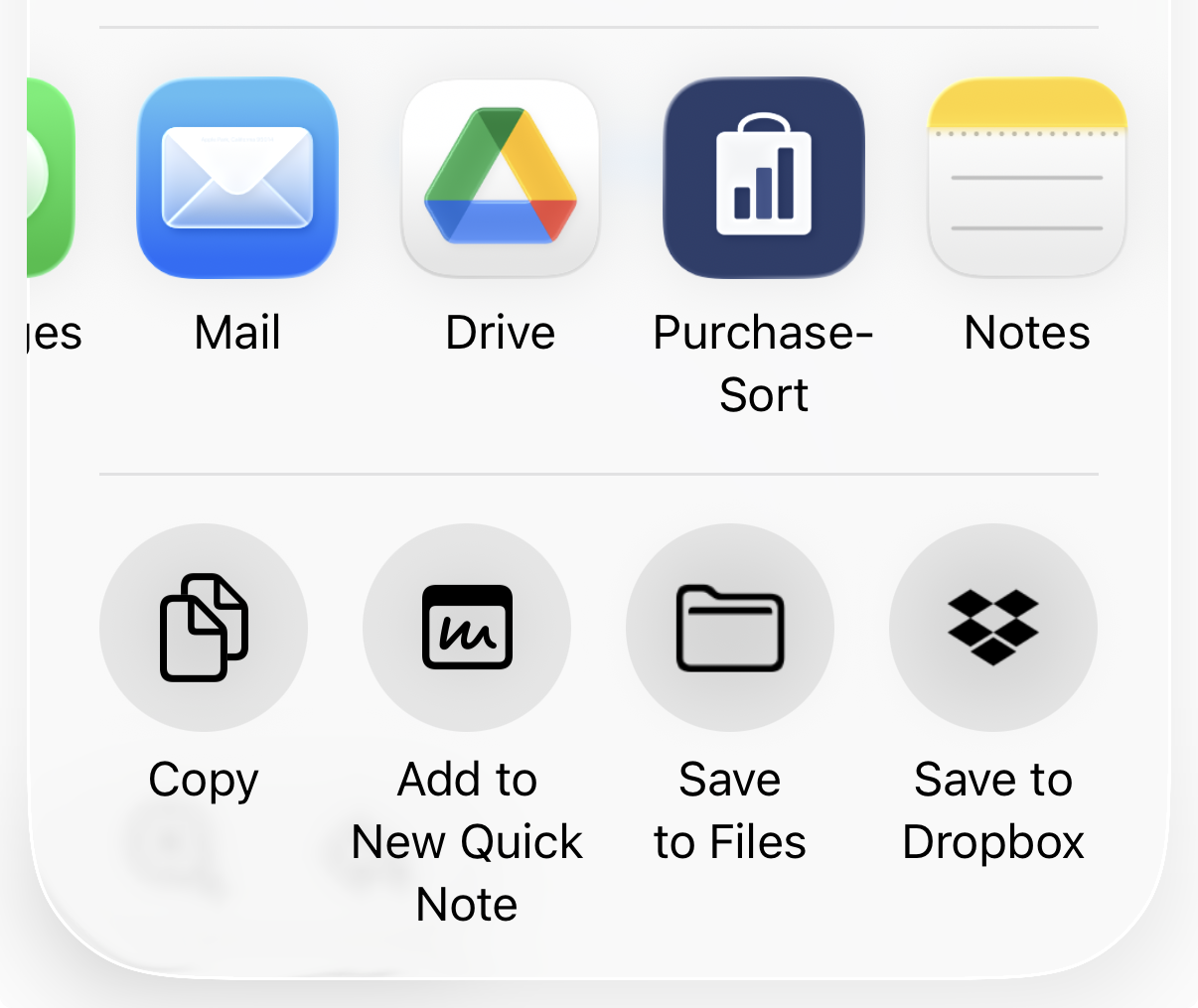
Tap the Share button (the square with an upward arrow) at the bottom of the screen.

Look for PurchaseSort in the app list. You may need to scroll or tap More to find it.
Got an eBook library you can't navigate? Our other app sorts your books by genre automatically.
Organize your Kindle and Apple Books libraries by genre, and finally see what you own.
PurchaseSort processes everything locally on your iPhone. Your order history is never uploaded anywhere. There are no accounts, no servers, and no network calls. The app simply reads the file Amazon already gave you and shows you the numbers.